BoardCerts makes it easy to get Continuing Education hours while preparing for your certification exam.
You can download the certificate easily from the platform in a few simple steps:
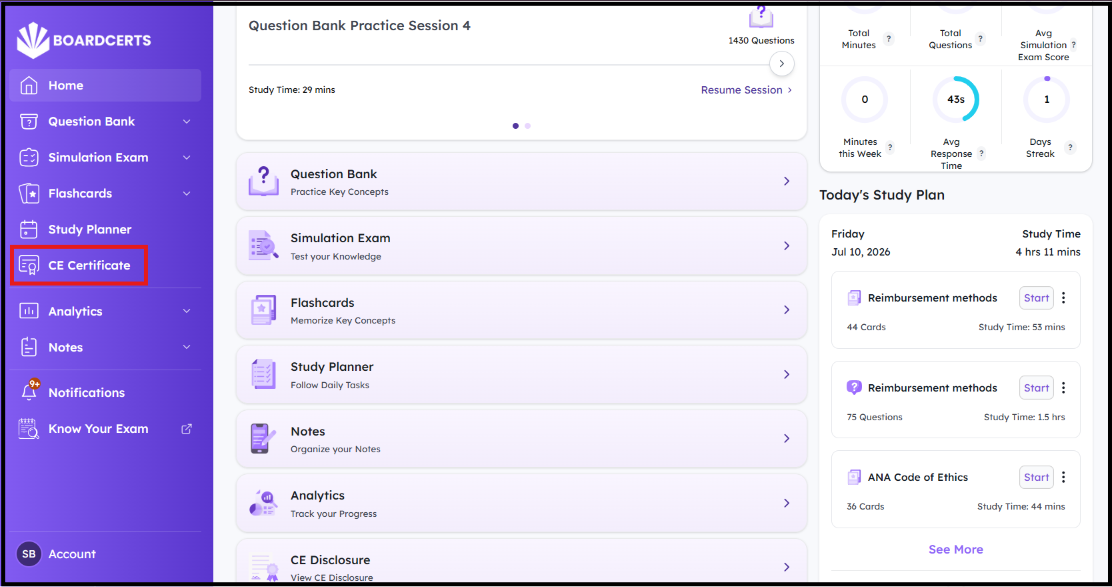
Step 1: Navigate to the CE Certificate section from the menu in the BoardCerts Homepage.
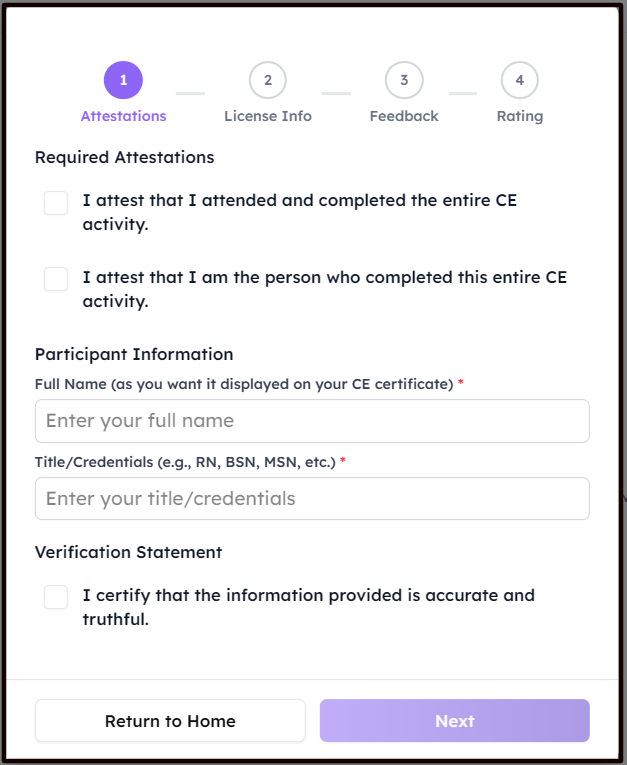
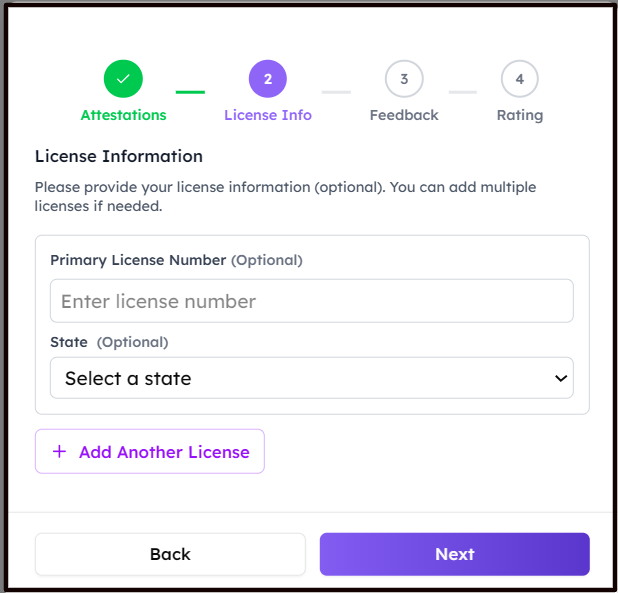
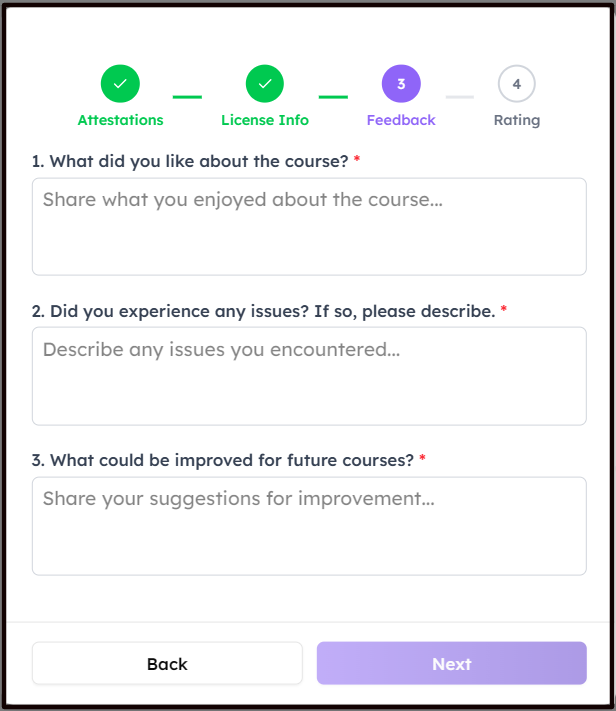
Step 2: Attest to completing the CE Activity (All Questions and/or Lectures) by yourself, and enter your Name, Credentials, and License Information, and fill in the necessary consecutive fields.
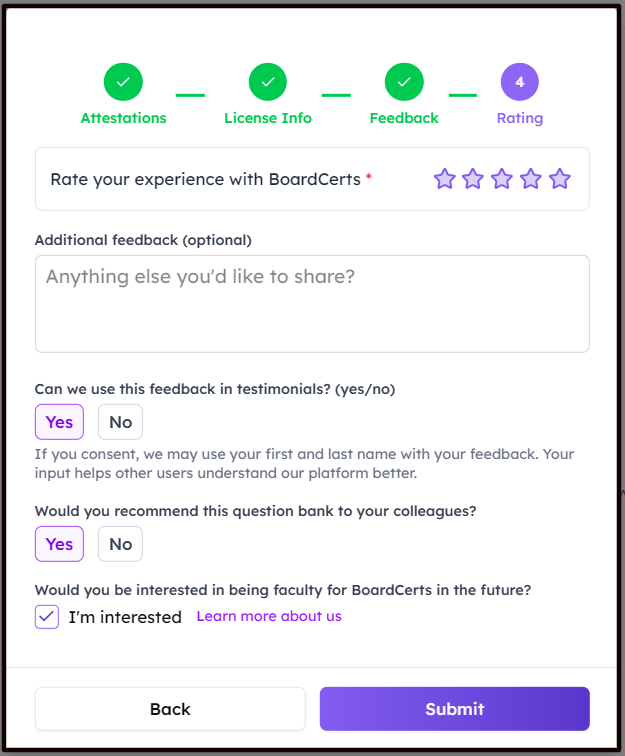
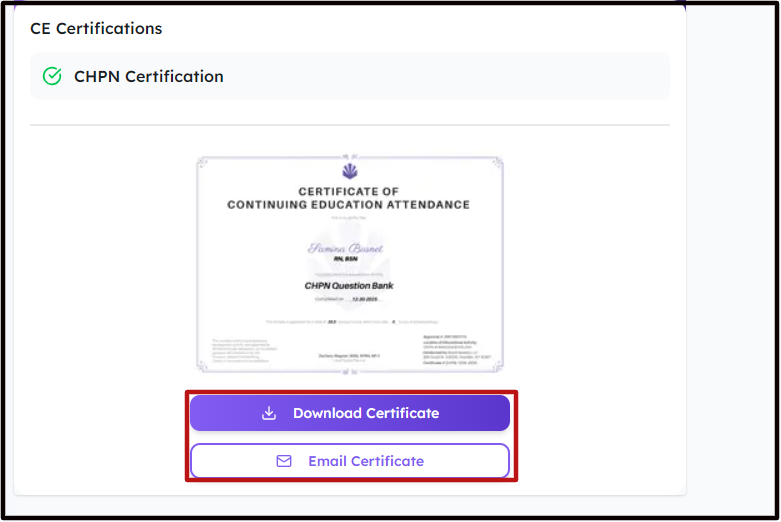
Step 3: Choose how you want to get your Certificate.
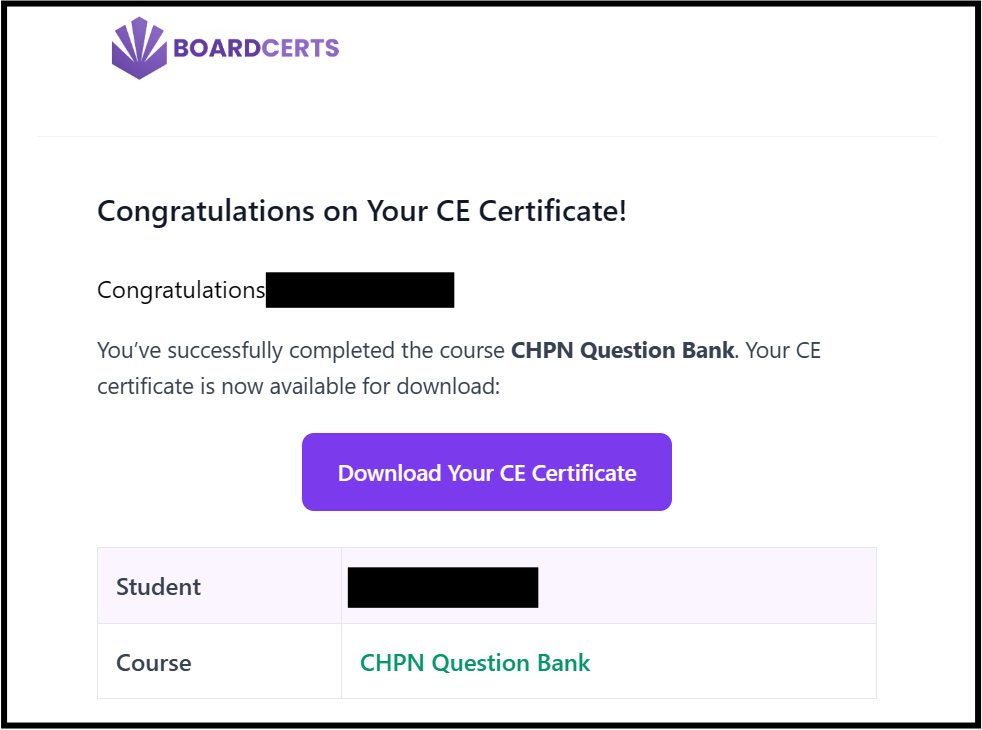
You will also receive an Email with the link to download the Certificate.
If you haven't yet completed the Question Bank and Simulation Exams, here's how you can do that:
