BoardCerts’ Learning Management System makes your board certification prep from start to finish, easy. This guide walks you through the entire process of purchasing a course and setting it up in your account, so you can quickly access your study materials, customize your learning experience, and begin preparing with confidence.
In this article you’ll learn:
-
How to Purchase a Course from BoardCerts and Set-up your Account
1. How to Purchase a Course from BoardCerts
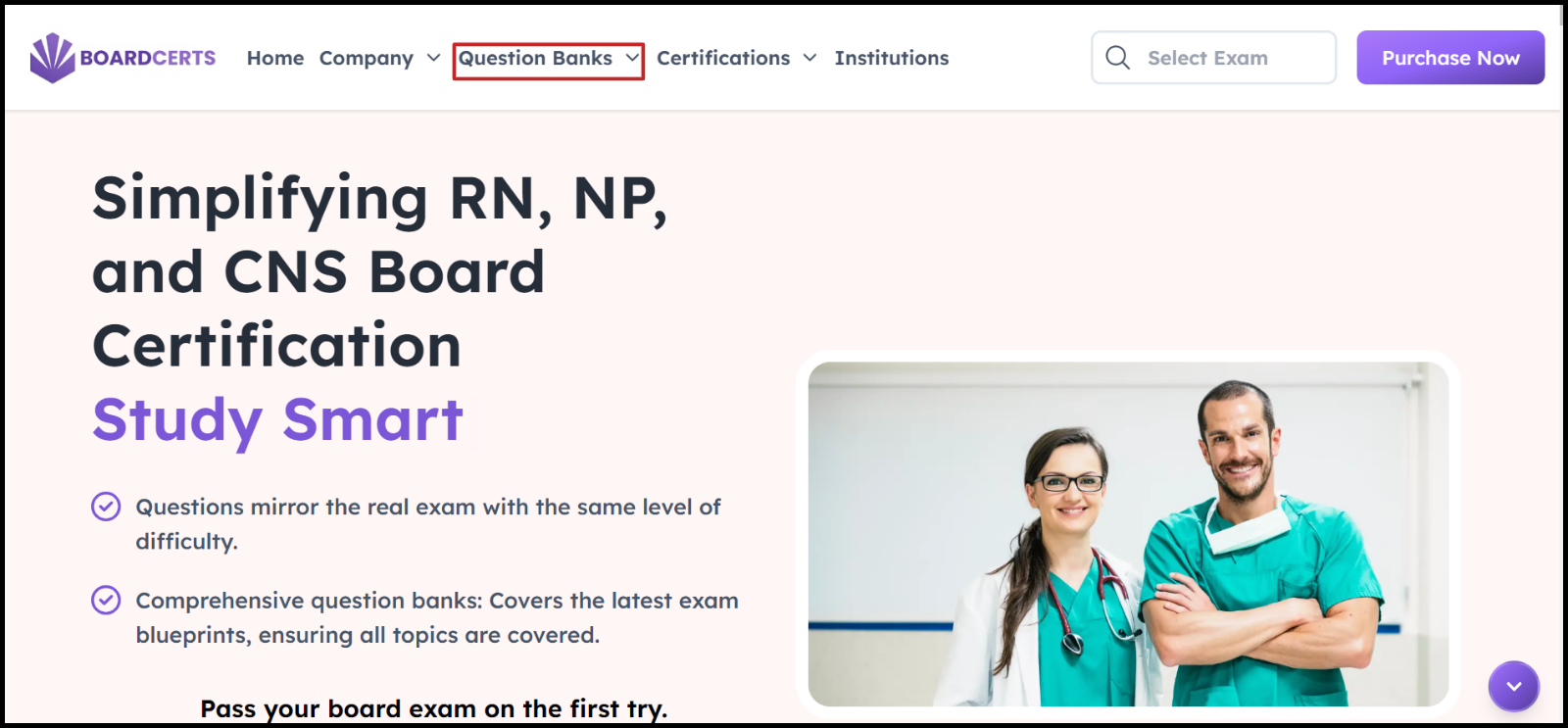
Step 1: Go to www.boardcerts.com and select the course you want to purchase from the dropdown menu.
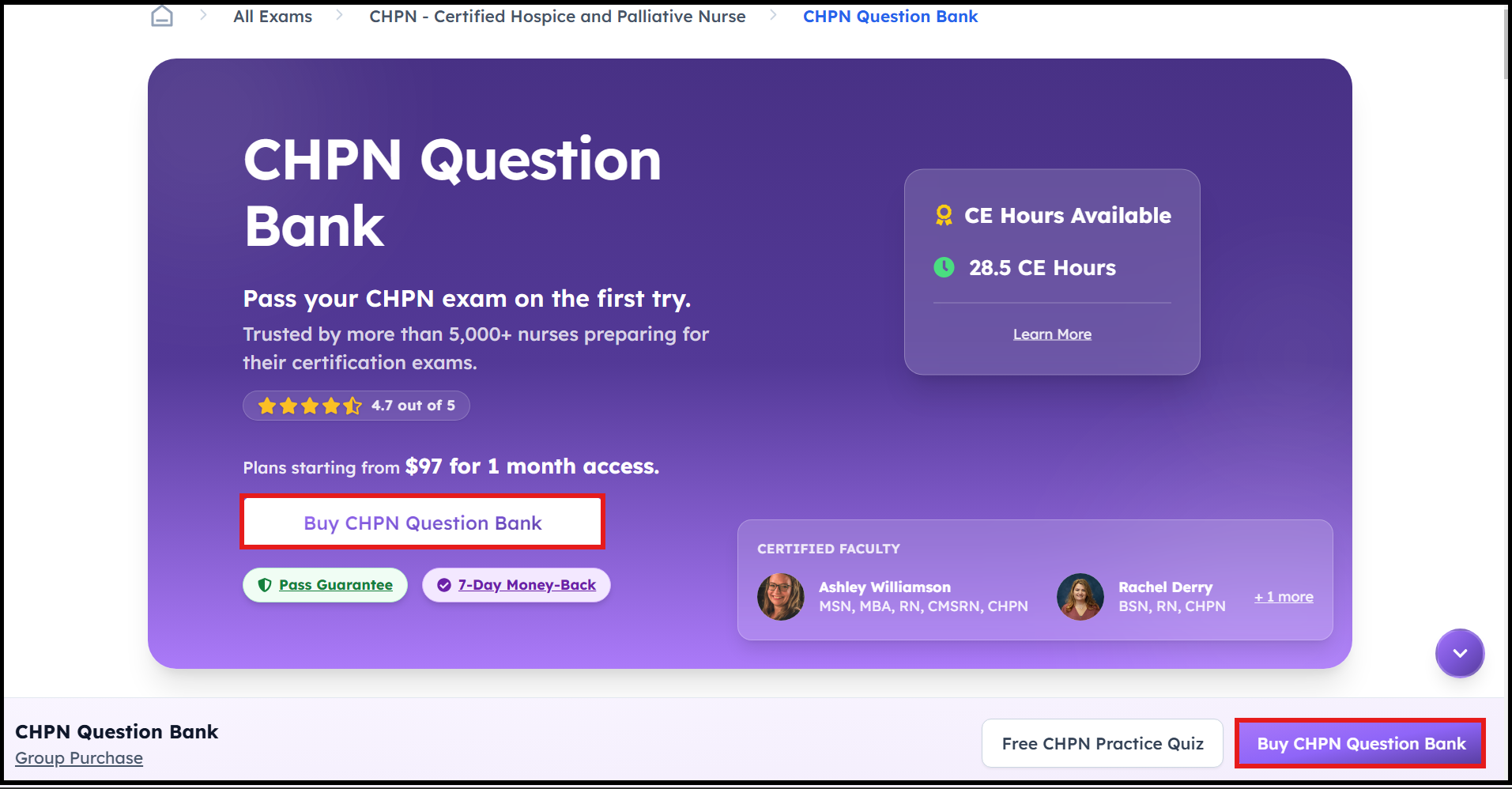
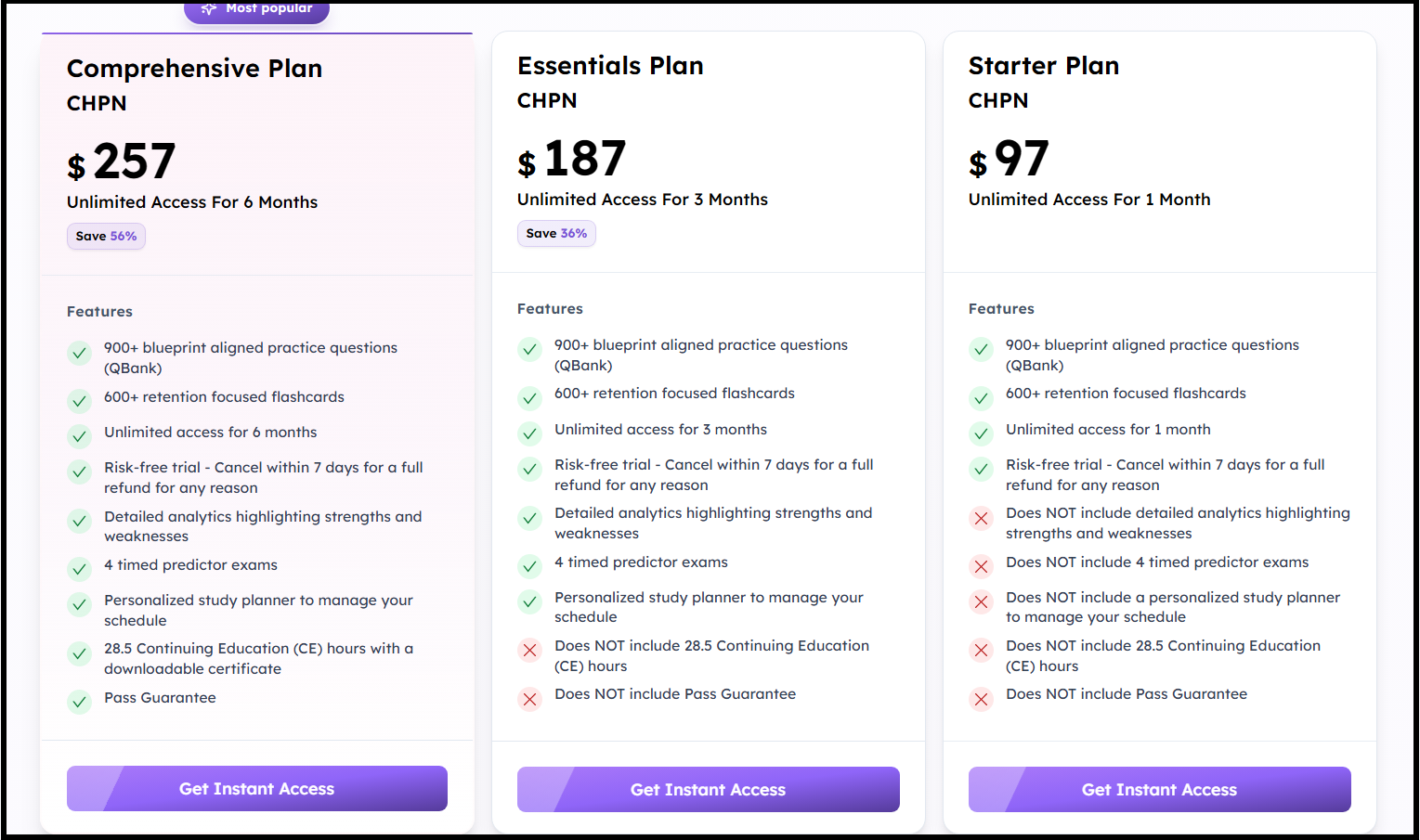
Step 2: Click the Buy Now button, choose the plan you want to purchase, then enter the necessary details.
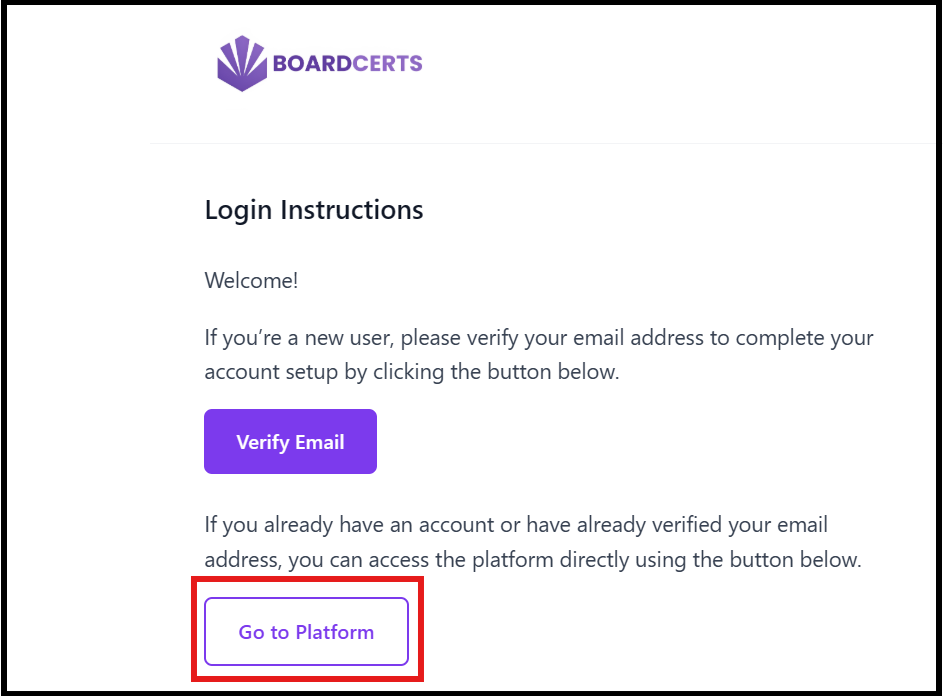
Step 3: You’ll get an email with a link to the course, if you can't see it in your inbox, check your Spam folder. Contact us at support@boardcerts.com, if you don’t receive the email.
Note: Please note that the verification link expires in 1 hour.
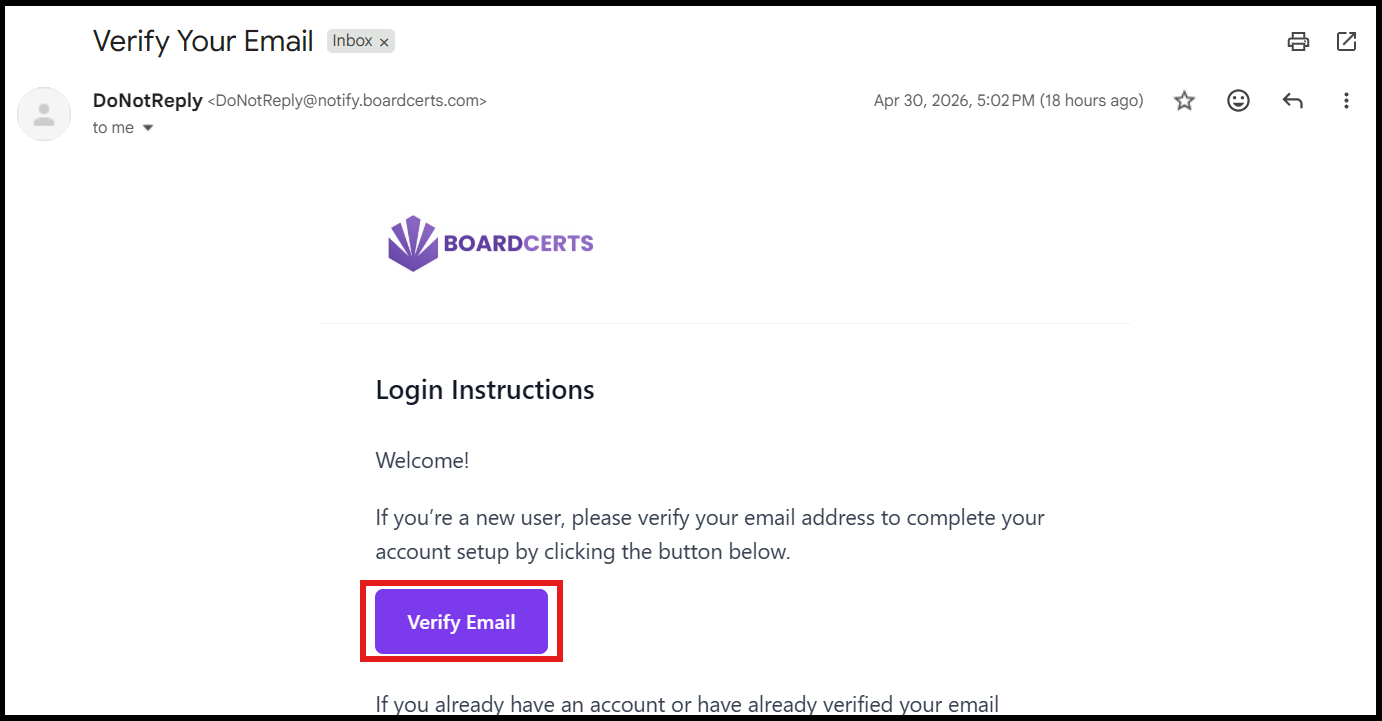
You can also use the "Go to Platform" button in the same email to return to the platform anytime you’re ready to study.
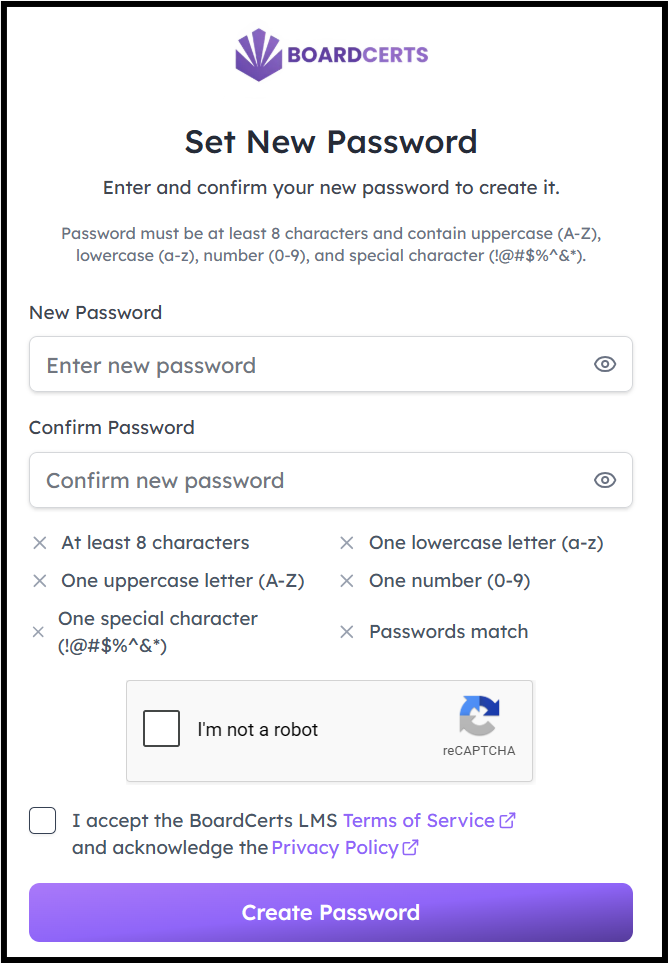
Step 4: Create a new password, complete the Onboarding Questions and Login to your account
You can now start preparing for your Board Certification exam.
If you need help in creating the question bank check this article out:
