Unlike the Question Bank session where you can choose between Exam and Tutor Modes and also review your answers before submitting the session, BoardCerts Predictor Exams are built to mimic the real exams, thus you cannot review the answers before submitting. However, you can go back and review your questions and their explanations after submitting the session.
Here's how you can do that:
Step 1: Once you Submit the exam, you will be taken to the Analysis page where you'll get your Peer Comparison and Domain Breakdown. You'll also see some options on the right labeled Suggested Steps. Navigate to Review Questions.
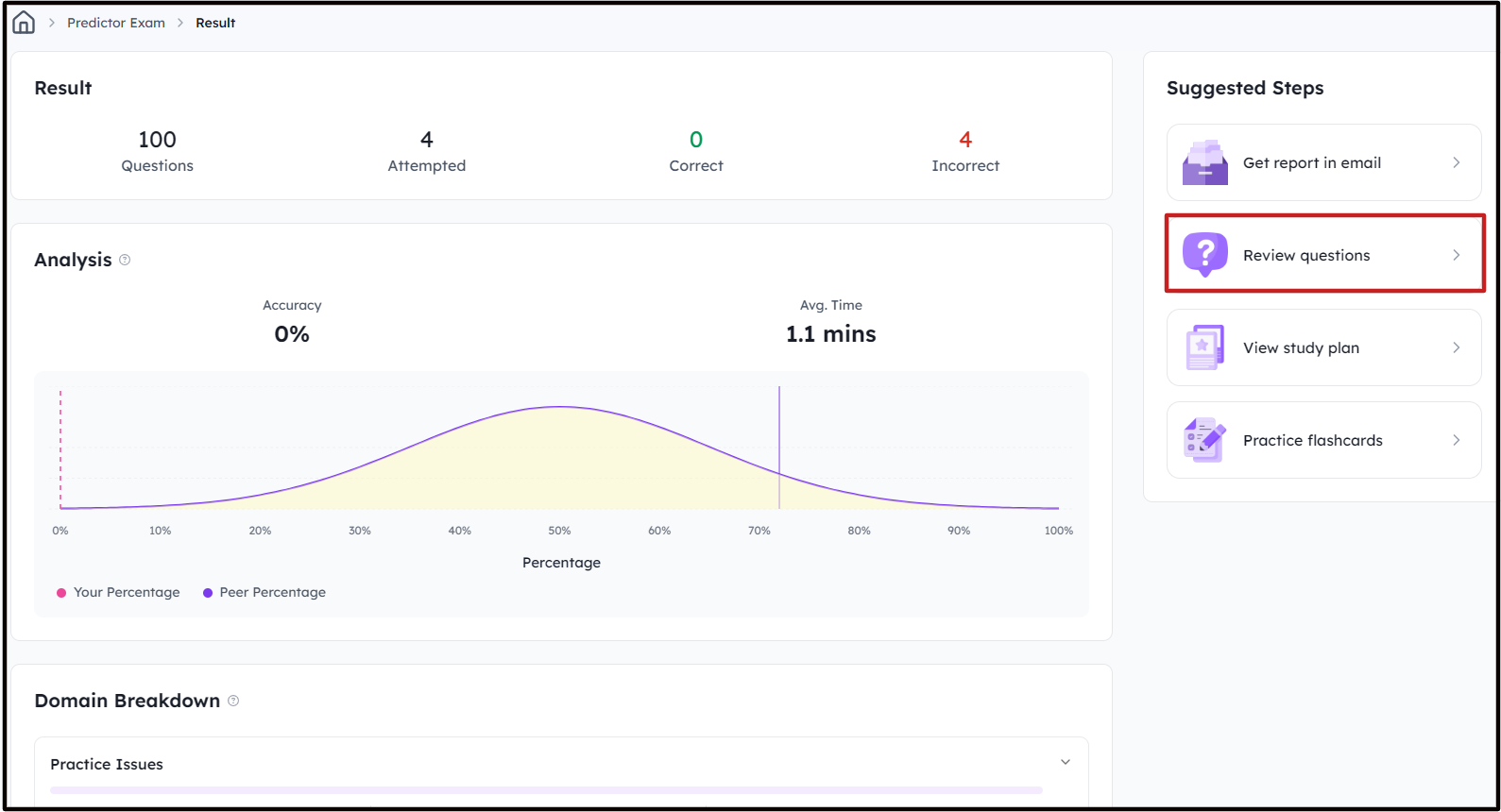
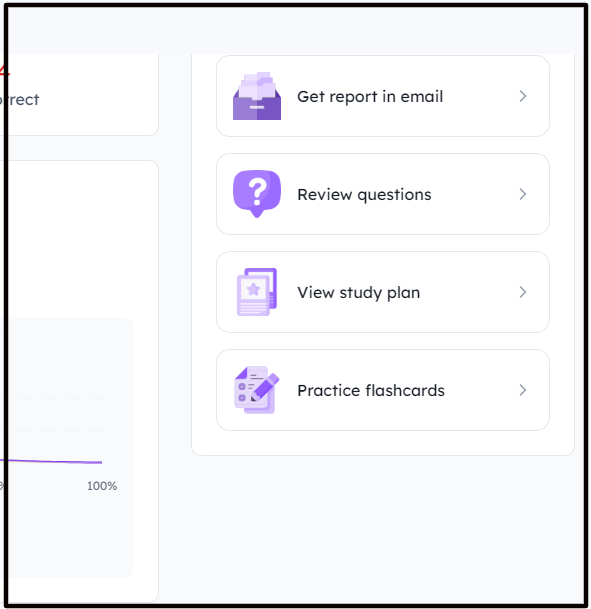
You can also choose to get your Results in Email, view your Study Plan, or Practice Flashcards.
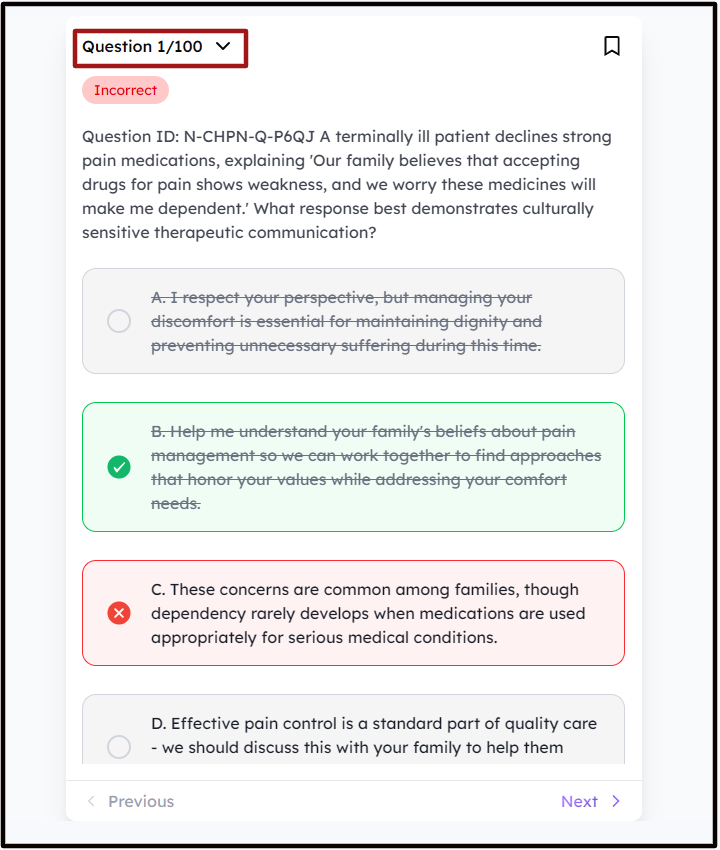
Step 2: From here, click on the drop down to reveal the results of Individual Questions and navigate to the ones you wish to Review. At BoardCerts, the questions are accompanied with detailed explanations to help you better understand the concept.
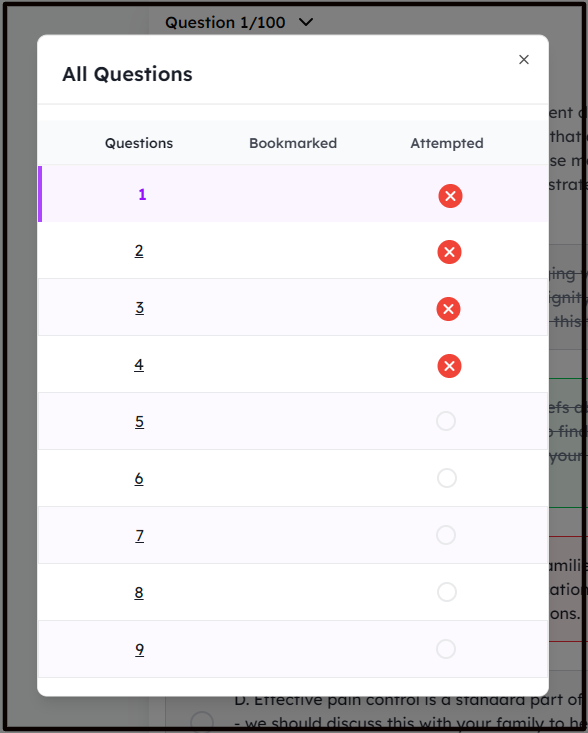
Once you are done reviewing, you can navigate back to Predictor Exams from the main menu and retake the same Predictor Exam or move on to the next one.
Also check out:
