If you have a coupon code that you want to use when purchasing a course through the BoardCerts, it can be applied during checkout for a discount. In this article, we’ll walk through how to enter and apply your coupon code successfully before completing your purchase.
So here's how you can use that coupon code:
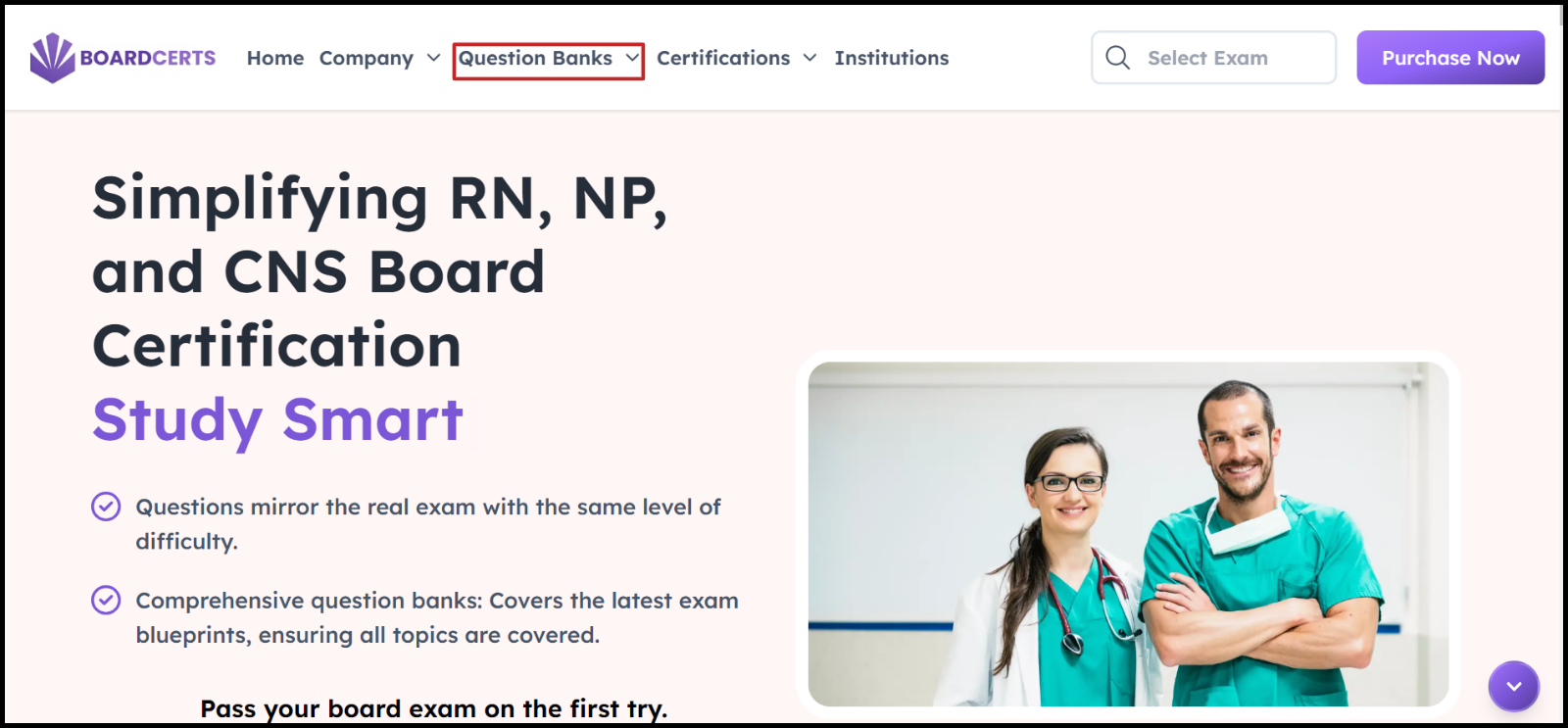
Step 1: Go to www.boardcerts.com and select the course you want to purchase from the dropdown menu.
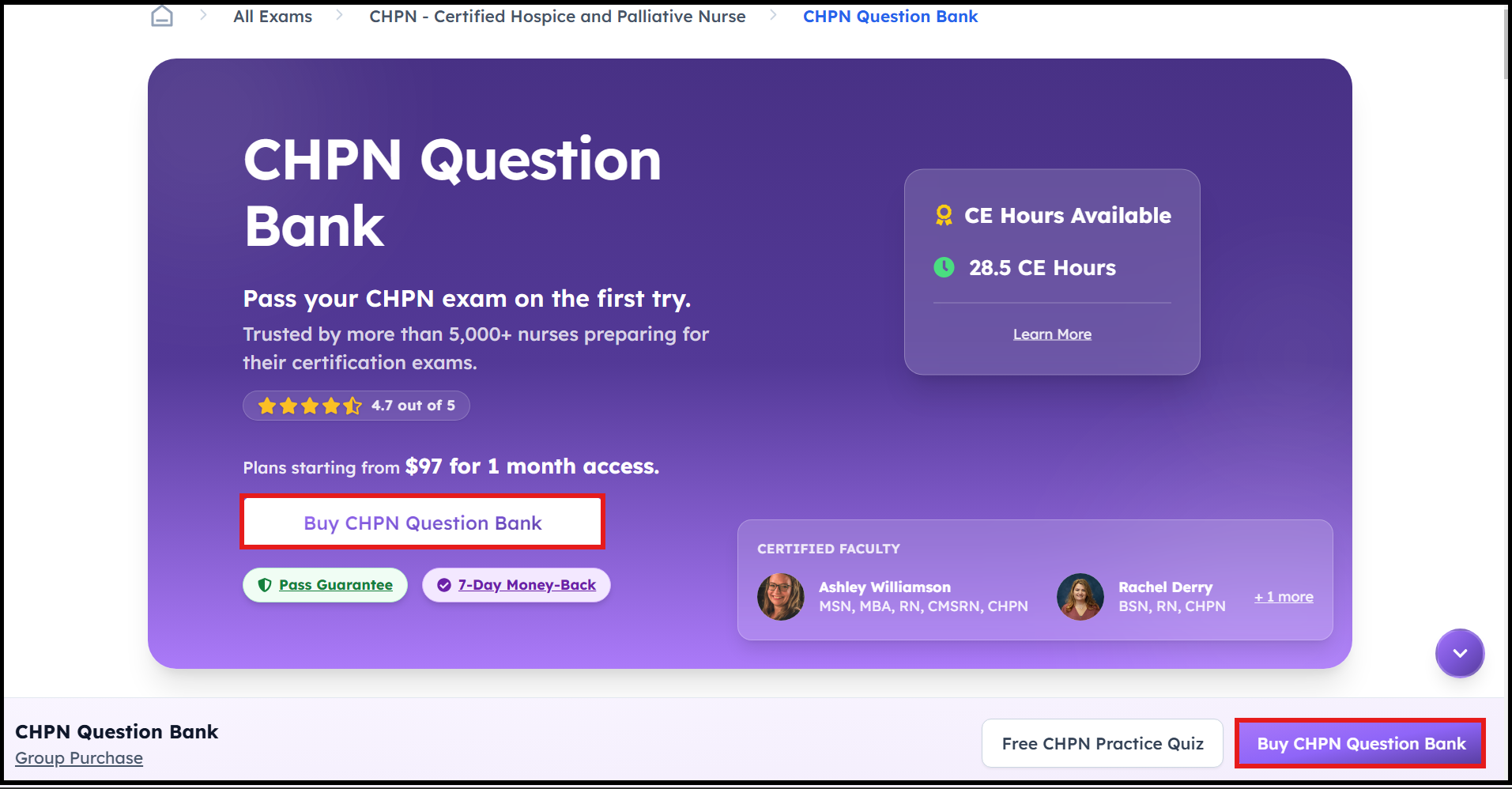
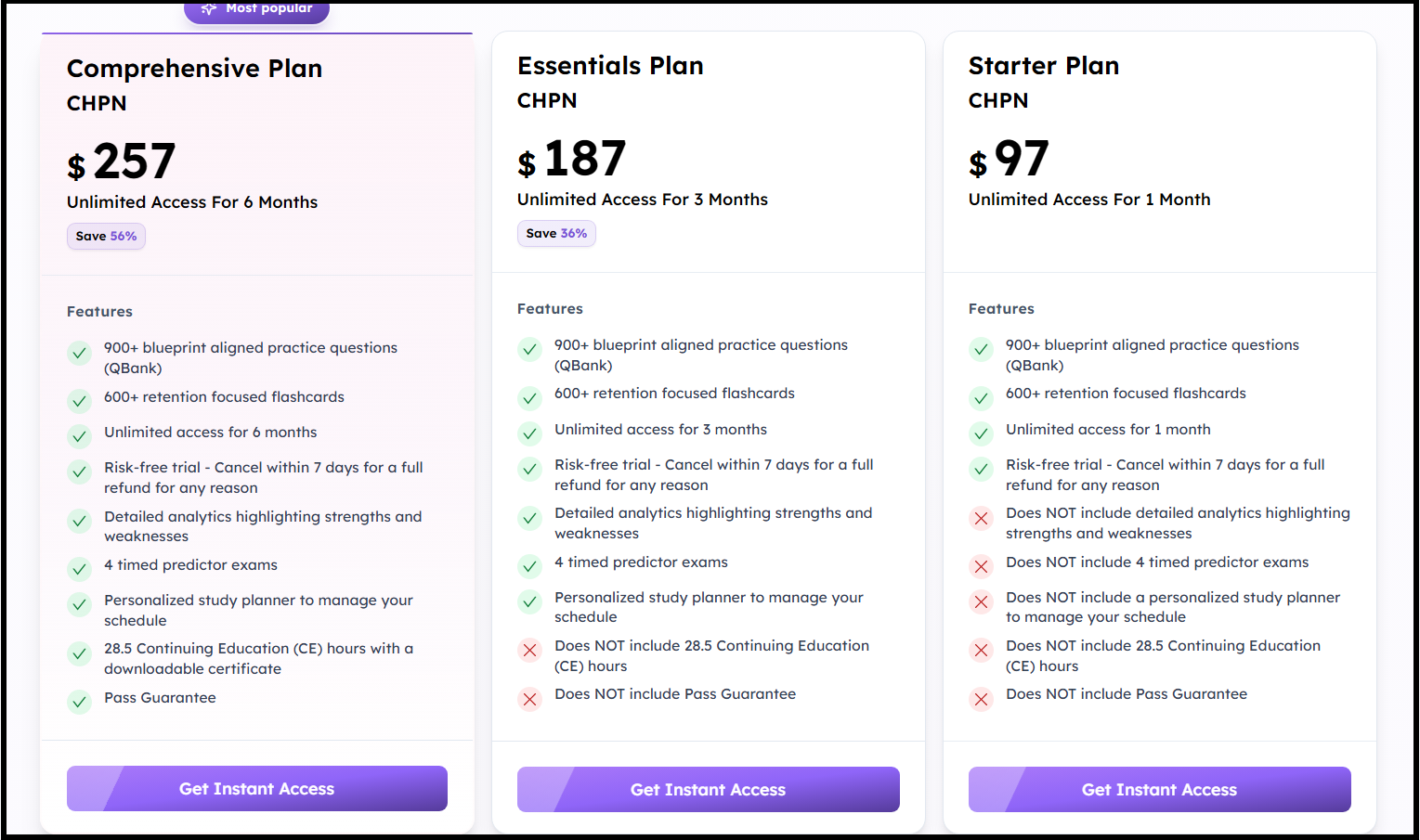
Step 2: Click the Buy Now button, choose the plan you want to purchase, then click on Get Instant Access
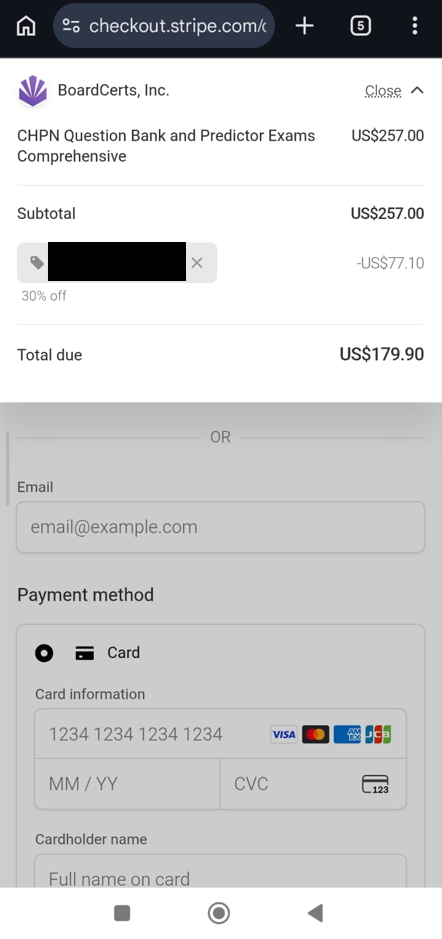
Step 3: Click on the Add Promotion Code button you see on the left.
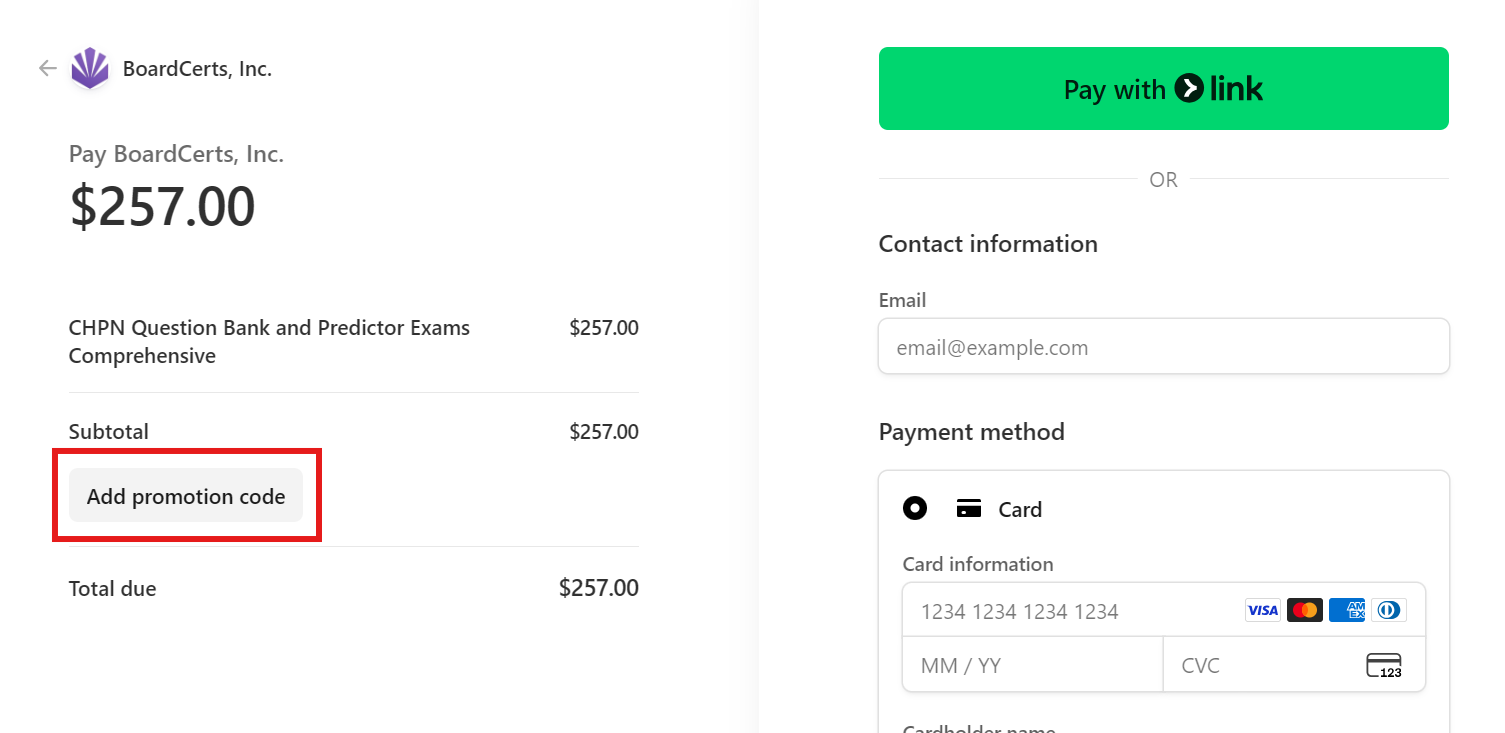
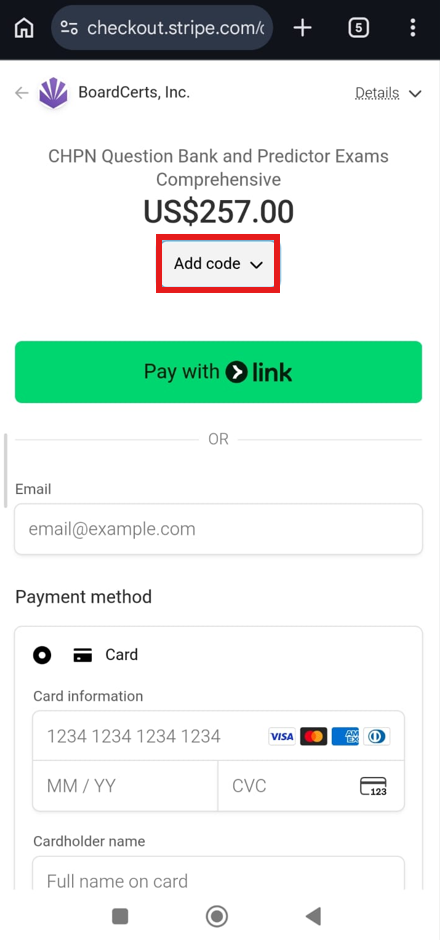
Step 4: Add the necessary details on the right then complete the order
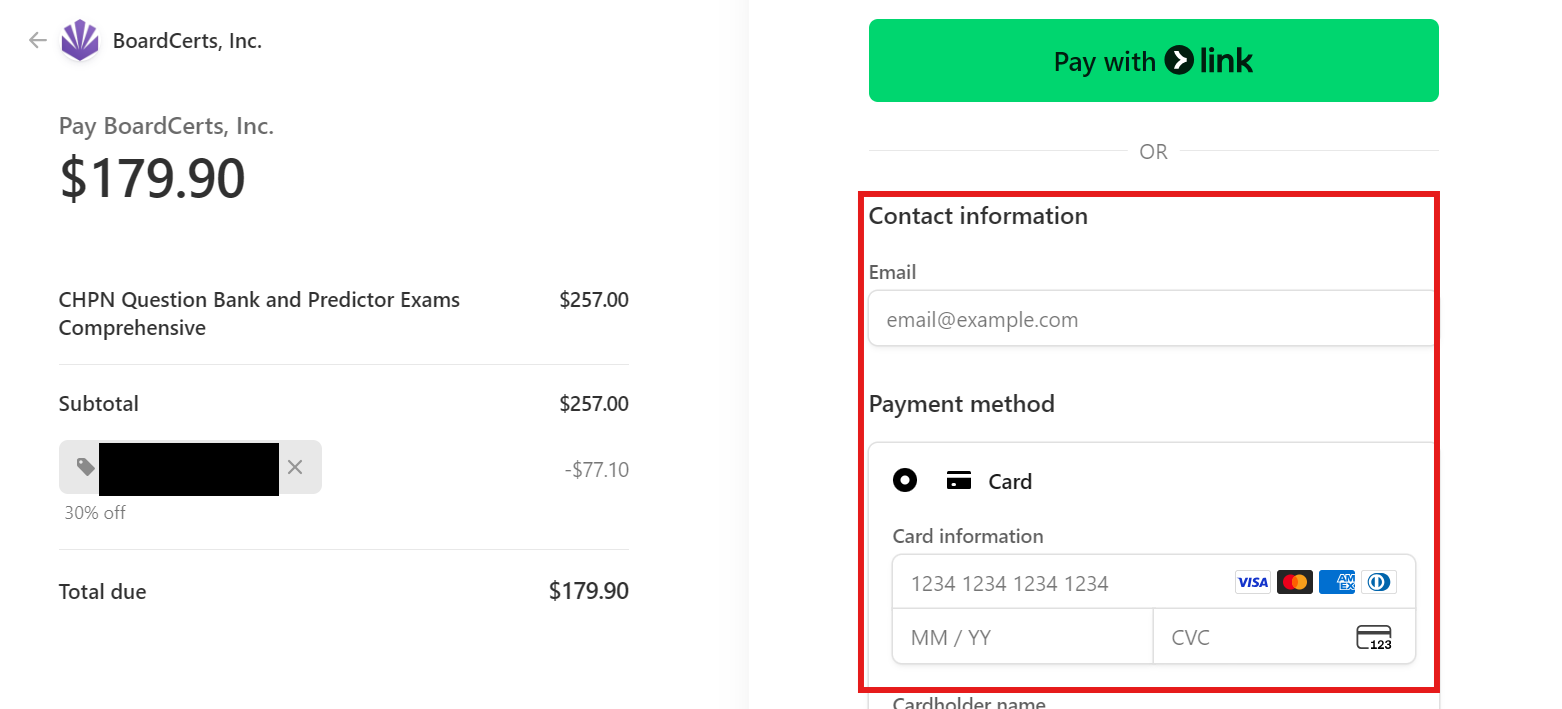
.jpeg)
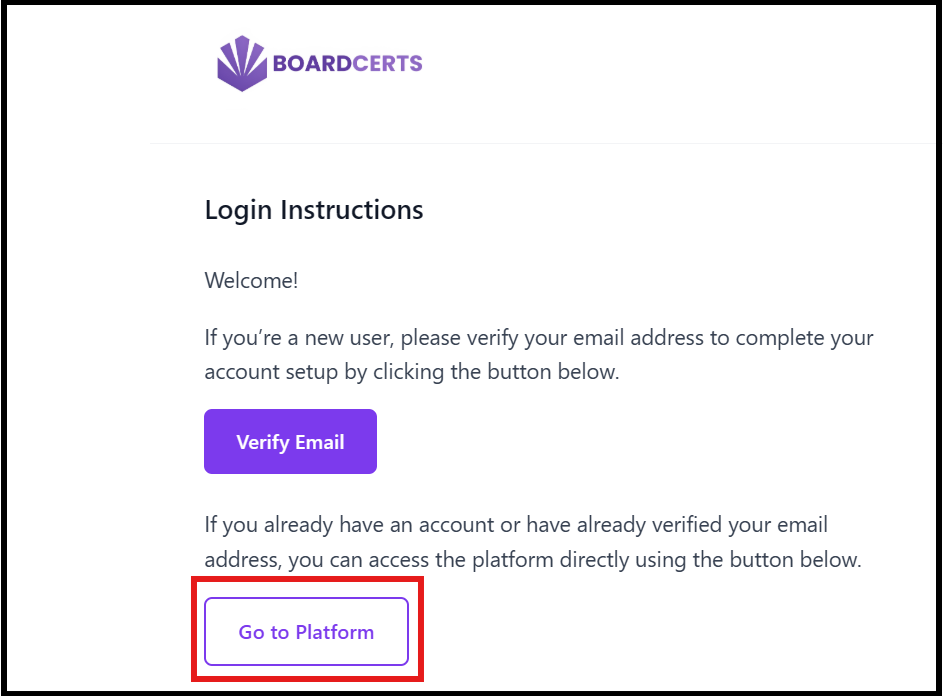
Step 5: You’ll then get an email with a link to the course, if you can't see it in your inbox, check your Spam folder. Contact us at support@boardcerts.com, if you don’t receive the email.
Note: Please note that the verification link expires in 1 hour.
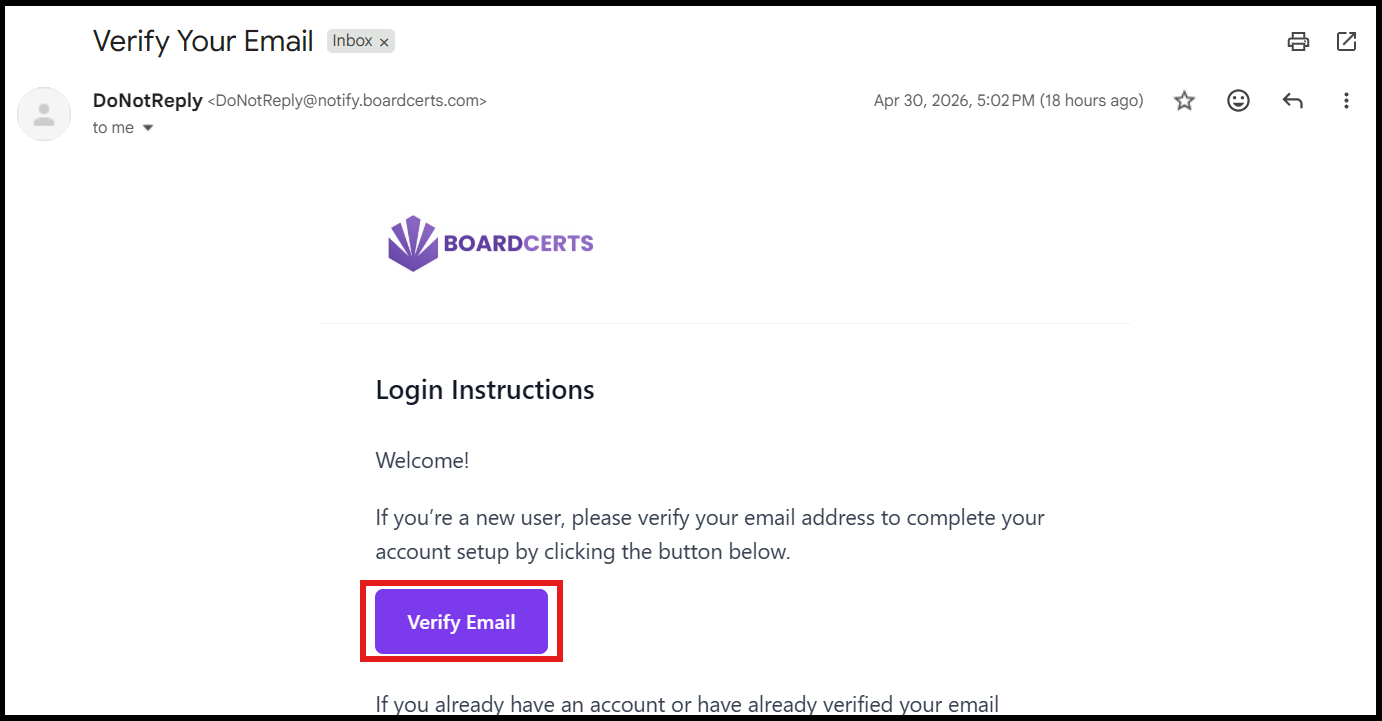
You can also use the "Go to Platform" button in the same email to return to the platform anytime you’re ready to study.
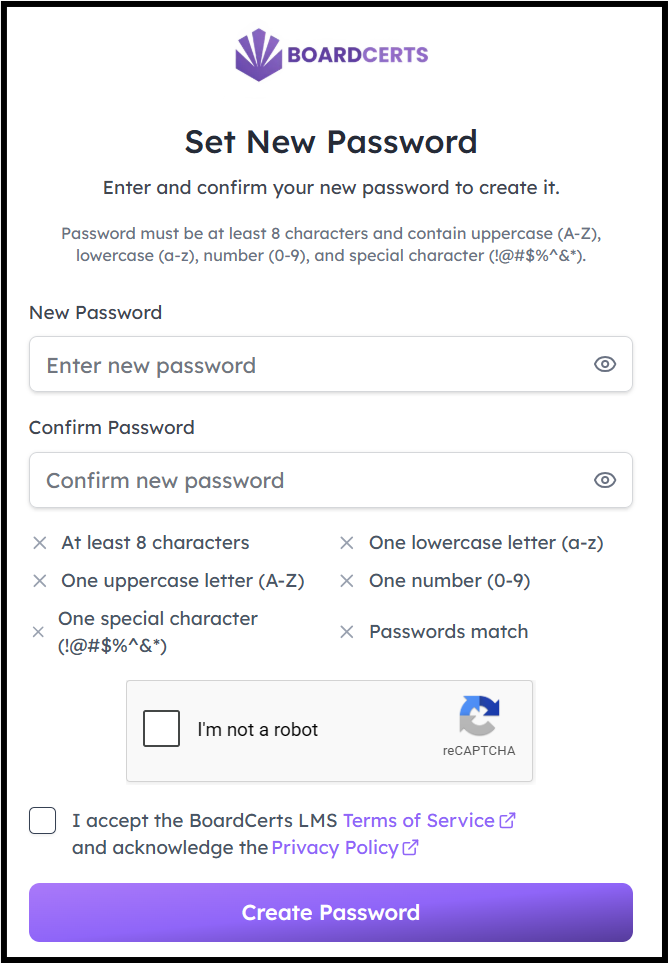
Step 6: Create a new password, complete the Onboarding Questions and Login to your account.
You can now start preparing for your Board Certification exam.
If you want to download your payment receipt, this article will tell you how:
